LibreOffice Base Parts Database
Project completed: August 2021
Summary
In this project, I designed a simple electronic part database using LibreOffice Base.
Background
I have a number of electronic parts including, integrated circuits, micro-controller development boards, sensor breakout boards, and various passive components. As a result, there has been a few cases where I have loss track of where a particular components is. Additionally, when I want to use a particular component, I had to spend time to look up the datasheet for the component I was planing on using. This is particularly annoying for some of the more powerful micro-controller and FPGA development boards which can have multiple, hard to find datasheets. I wanted a method which would help me to keep track of all of this information. I tried to use a spreadsheet but it got unwieldy very quickly.
When I looked for such a program, I found only two possible candidates. Both of the programs would have solved my problem but I could get neither to work properly. However, my experience with these programs gave me a few ideas on what I wanted in my program.
Requirements
Below are the requirements I needed out of my database program
- Store the following information about the part
- Name
- Manufacturer
- Manufacturer part number
- Footprint
- Device category
- Store the following properties about the part (multiple properties for a single part)
- Name of the property
- Including the min, normal, max, value of the part
- The unit for the numerical properties
- Tolerance
- A text value
- Store the link to multiple documents for the part
- Store the location and quantity of a given part
- Store the following information about the distributor of the part (multiple properties for a single part)
- Name
- Link to the part
- Distributor part number
- Have some means to search for a part
- Be able to reference multiple parts and their respective quantities to a project as well as a description of the project
Final Product
The following screenshots shows some of the various screens of the program.
Distributor Entry Screen Part Entry Screen Project Entry Screen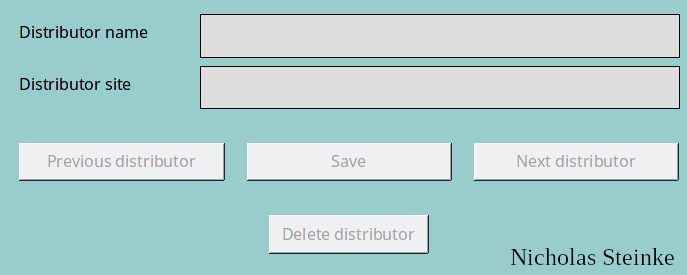
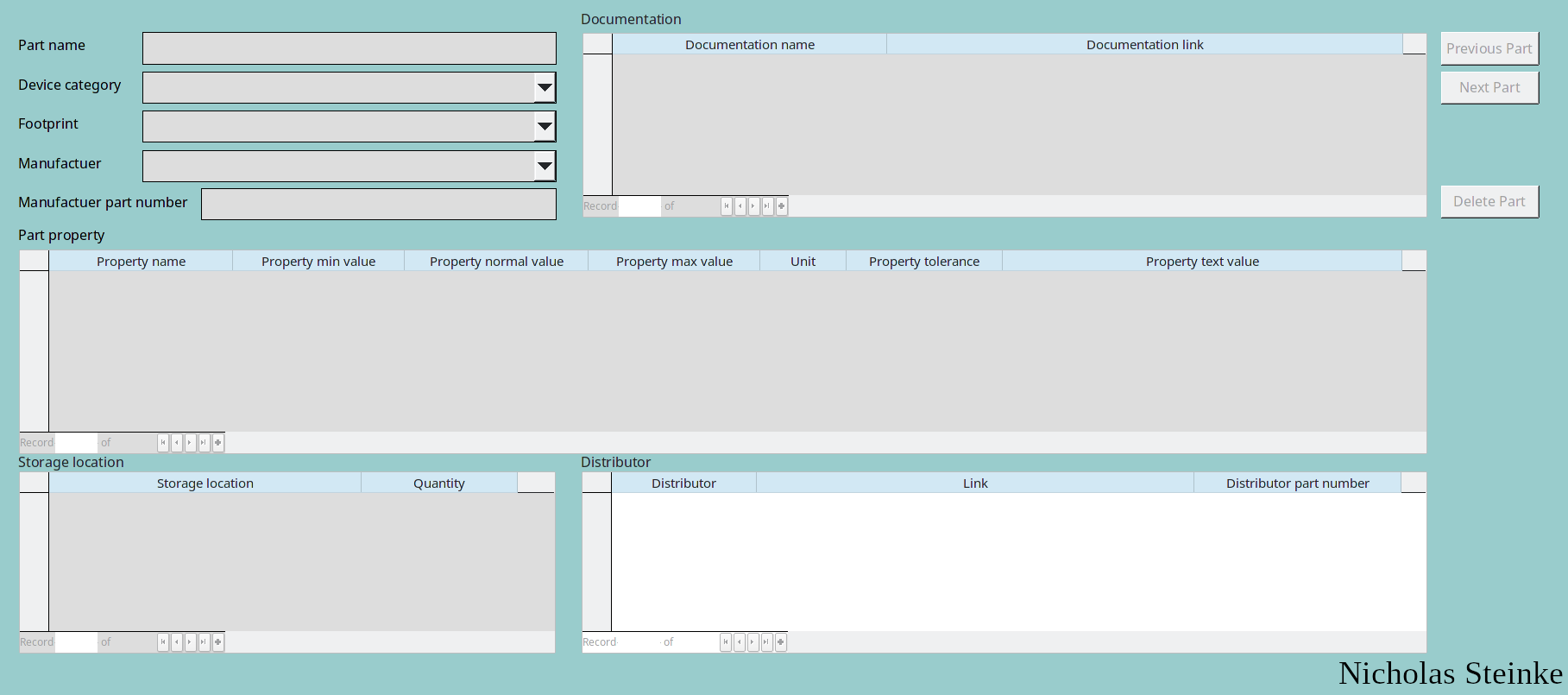
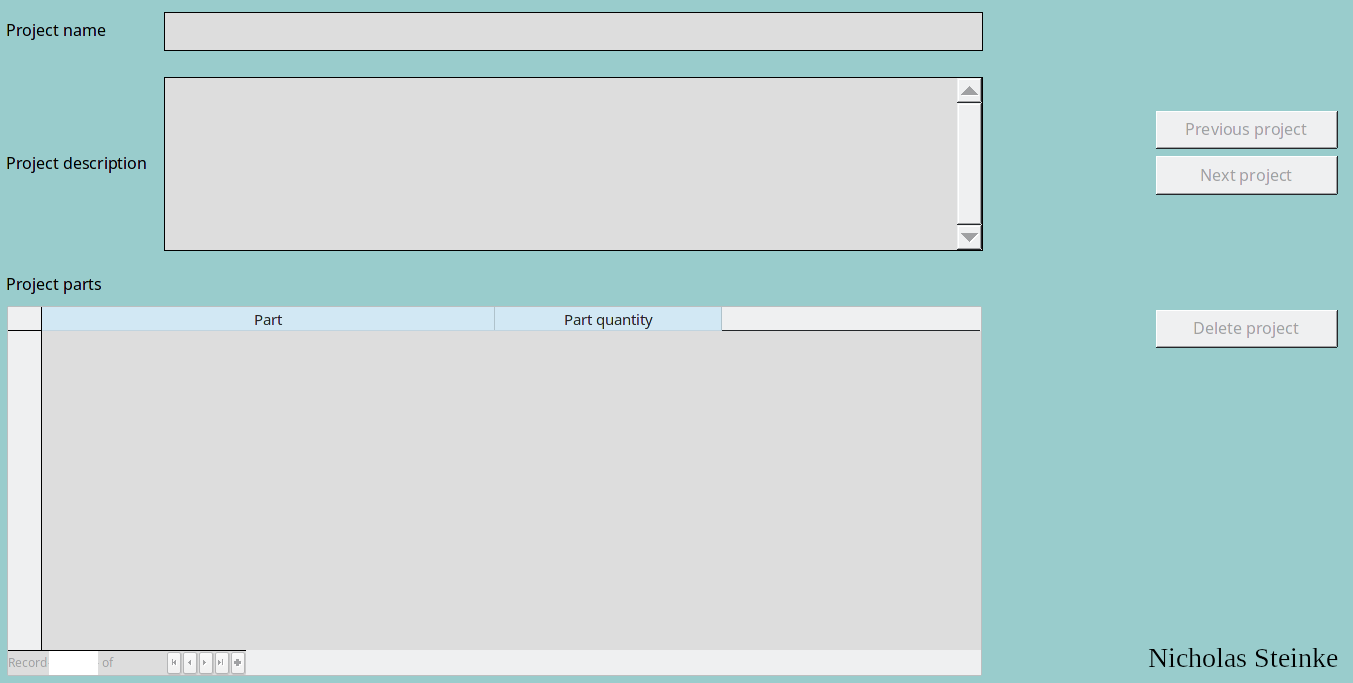
There is a unique screen for the device category, distributor, footprint, manufacturer, and storage location entry. This is so on the main part entry page, there can be a drop down entry for each of these categories. This helps in data entry so it is less likely for a typo to happen and all of the parts can be updated at once if some data needs to be changed.
In the part entry screen, all of the information about the part can be entered. From this screen, there is a search functionality which helps to narrow down the desired part.
The final screen is the projects screen. This screen allows for a project to be defined along with a description of the project. Finally, parts which has been entered into the database can be added into the project so it is easy to see what parts are needed to build the project.
Conclusion
Overall, this program meets my needs. All of requirements I defined is met with this program. Since I created this program, I have been using it to keep track of my electronic parts.